What does HR software do?
It centralizes employee data, speeds up approval flows, and reduces repetitive manual follow-up.
COMPREHENSIVE GUIDE
HR software (HRMS) is a cloud-based system that helps teams manage hiring, employee records, leave, attendance, performance, and workforce data from one platform. With CADRO, hiring cycles accelerate, HR operational efficiency improves, and all workforce data is visible from a single center. Explore CADRO's core modules and selection criteria below.
It centralizes employee data, speeds up approval flows, and reduces repetitive manual follow-up.
HR teams, managers, and operations leaders use it across hiring, performance, leave, and employee administration.
Module depth, security, compliance, reporting, and usability should be reviewed together.
Human resources software helps teams keep employee information in one system, manage leave and attendance with more structure, and report on hiring and performance with more visibility. Instead of scattered spreadsheets and email chains, teams work from one operating layer.
Employee cards, department structures, documents, and leave history live in one connected model.
Approval flows, hiring stages, and attendance workflows move in the same system, reducing friction.
Managers and HR teams can track what is happening across core processes with clearer reporting and dashboards.
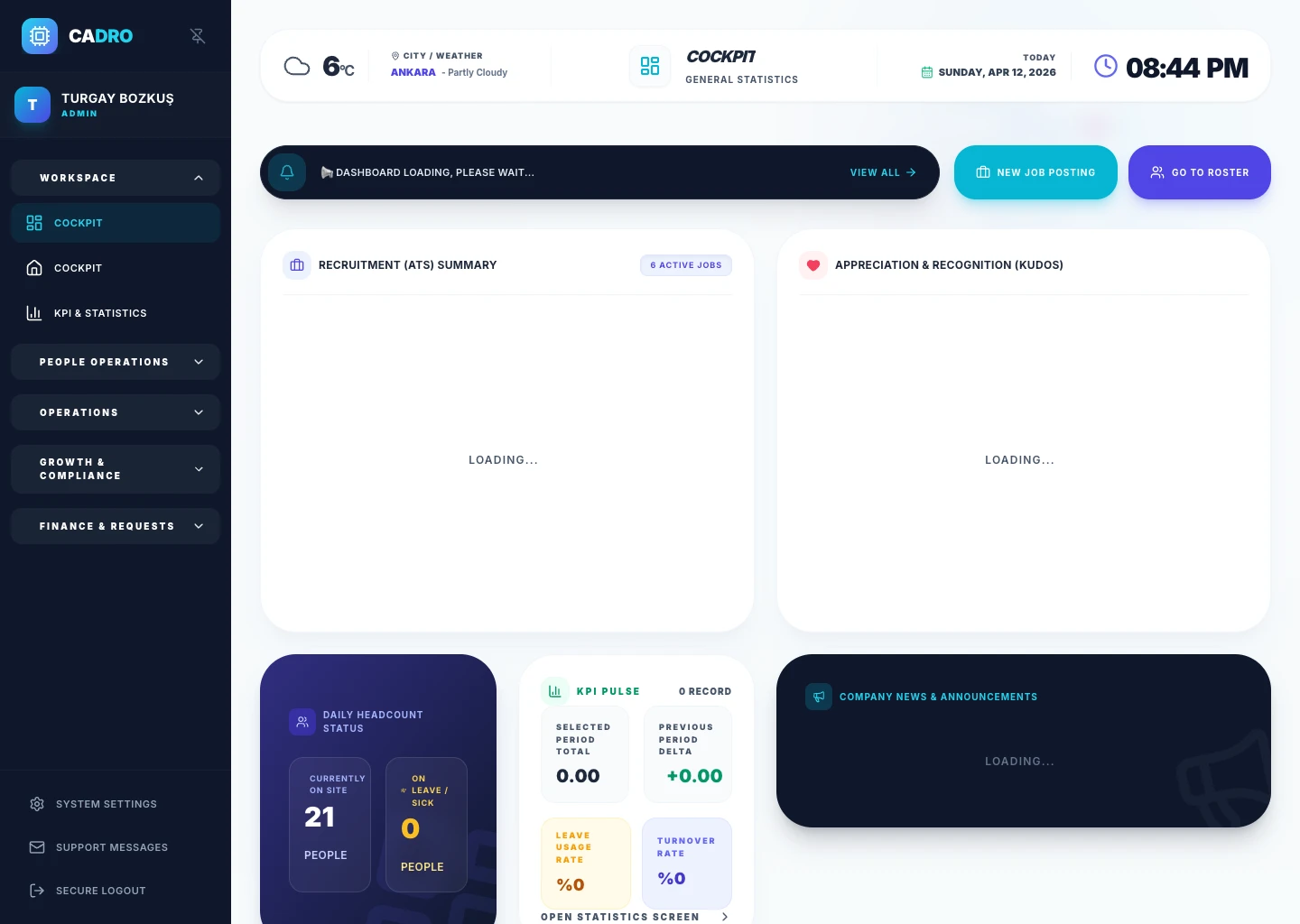
MODULE 1
See all your HR data on one screen. Track headcount, leave status, open positions, and performance summaries with live dashboards.
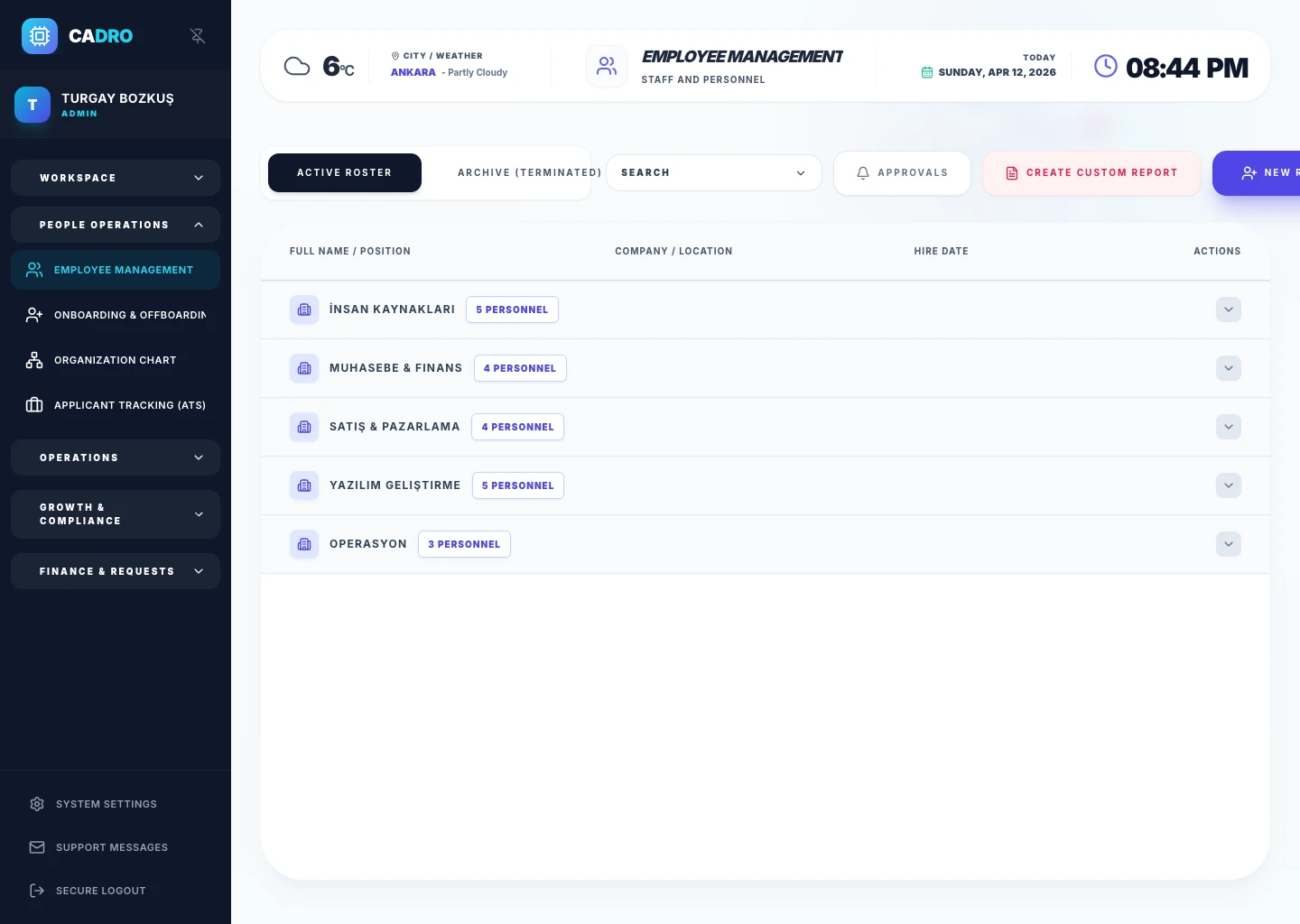
MODULE 2
Manage all employee information in one place. Keep personal details, department assignments, position history, and contact info always up to date.
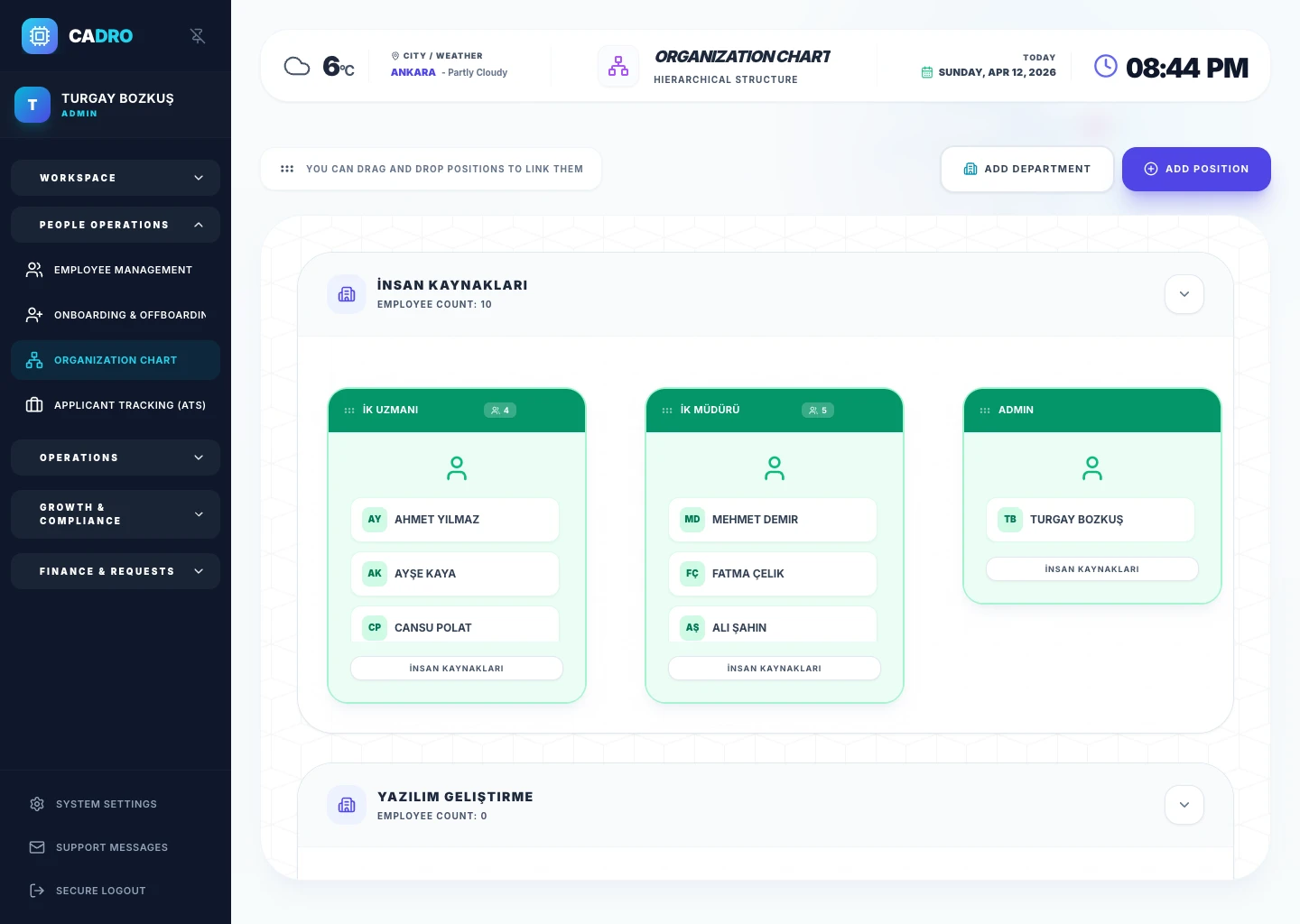
MODULE 3
Map your company structure visually. Departments, reporting lines, and team structures update automatically in a dynamic org chart.
MODULE 4
Manage the full flow from job posting to offer letter. Collect candidates in one pipeline, automate interview scheduling, and shorten time-to-hire.
Explore the ATS Module →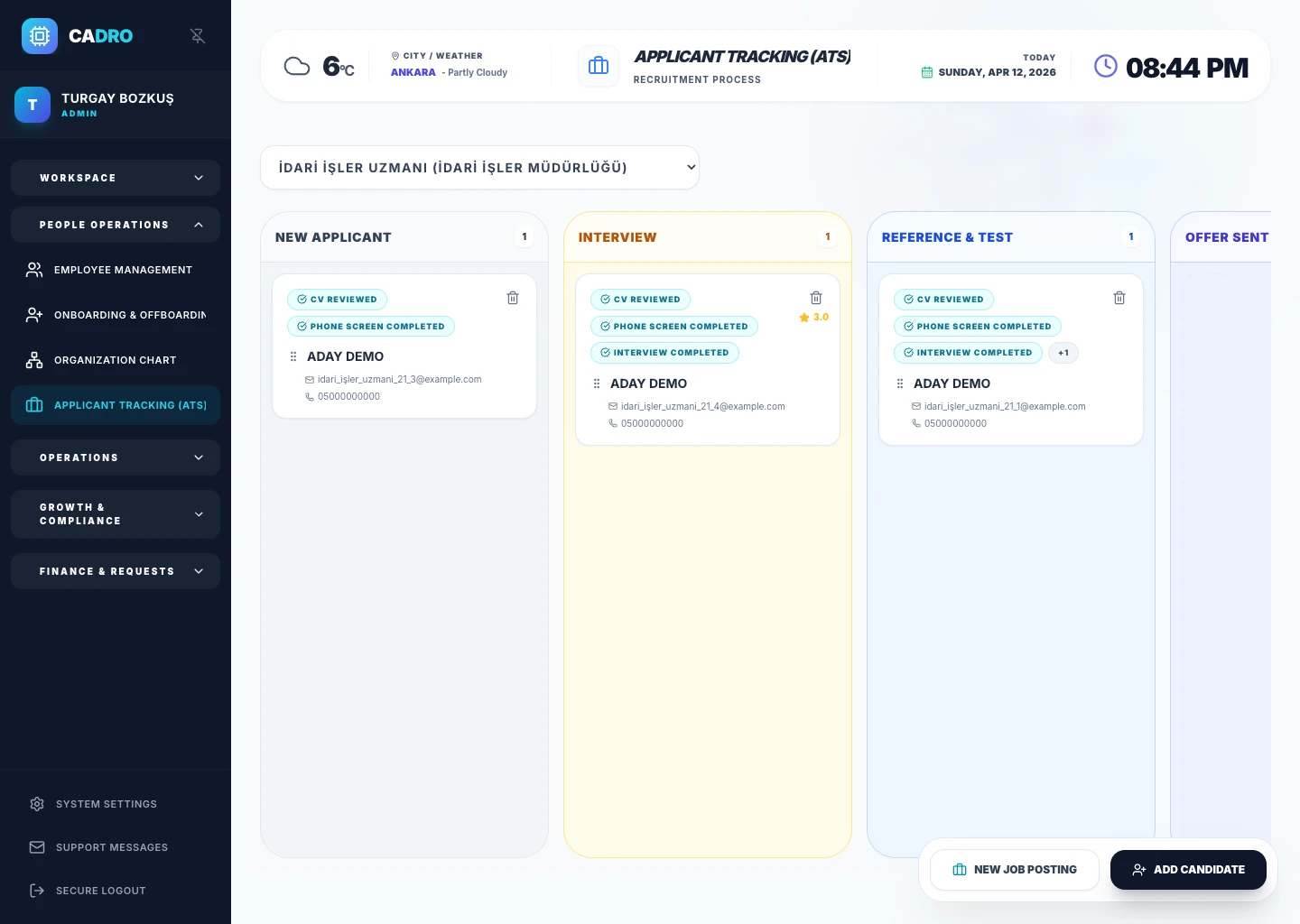
MODULE 5
Give new hires a structured start from day one. Automate task lists, document collection, and orientation steps.
Explore the Onboarding Module →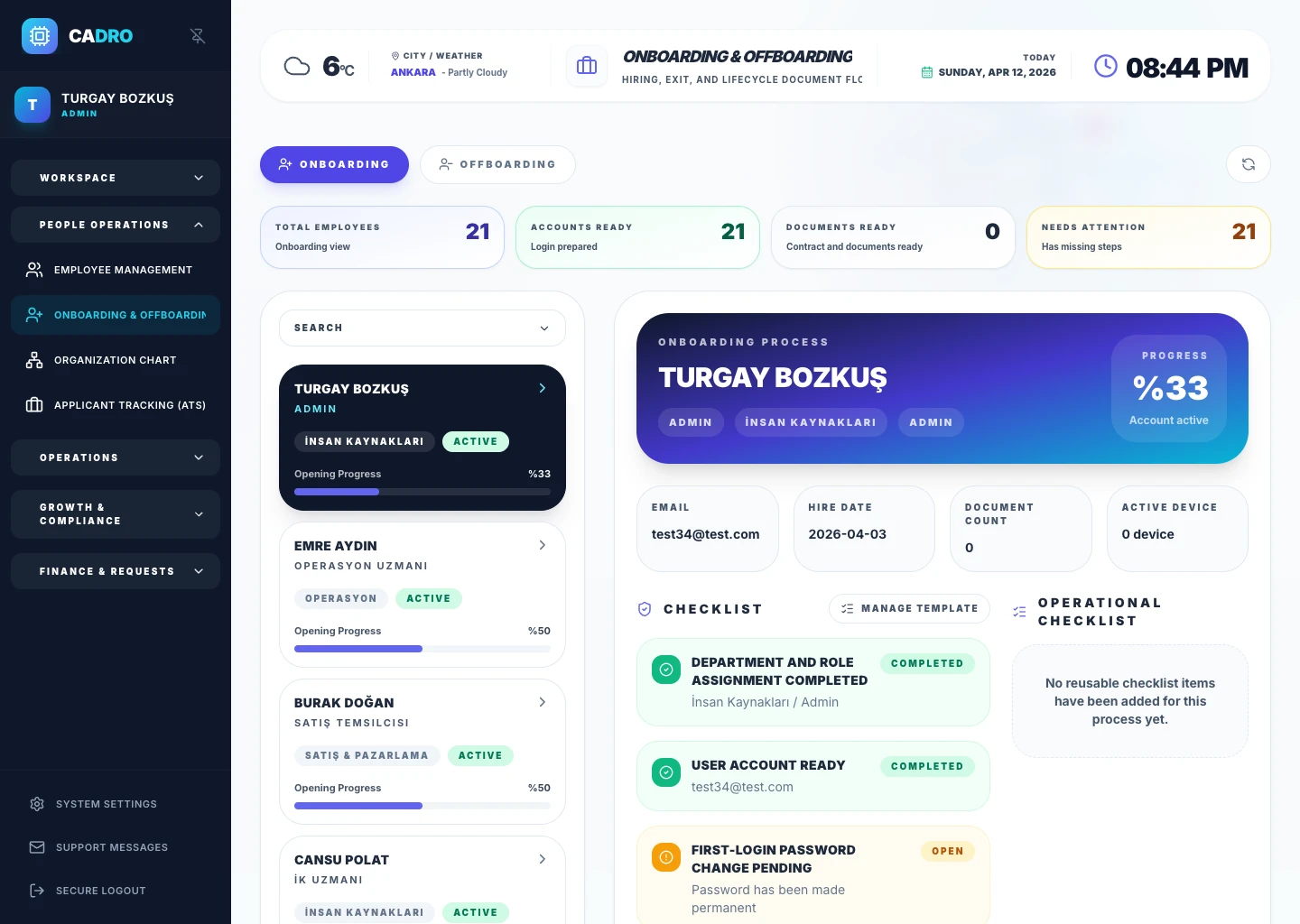
MODULE 6
Store employee documents securely in the cloud. Contracts, ID documents, and certificates are safely archived in the digital dossier.
Explore the Dossier Module →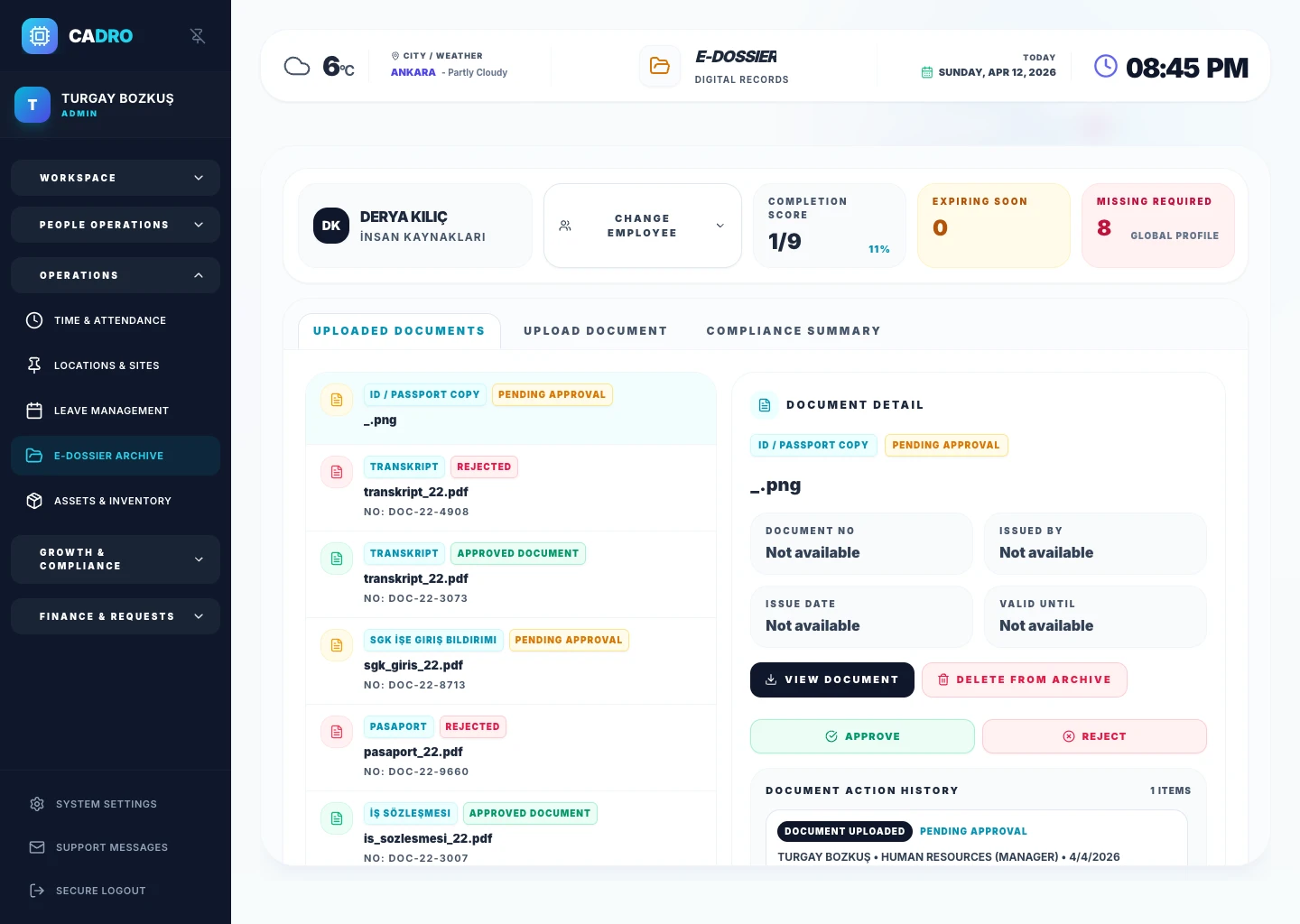
MODULE 7
Submit leave requests from mobile, approve with one click. Remaining balances, past requests, and attendance integration work automatically.
Explore the Leave Module →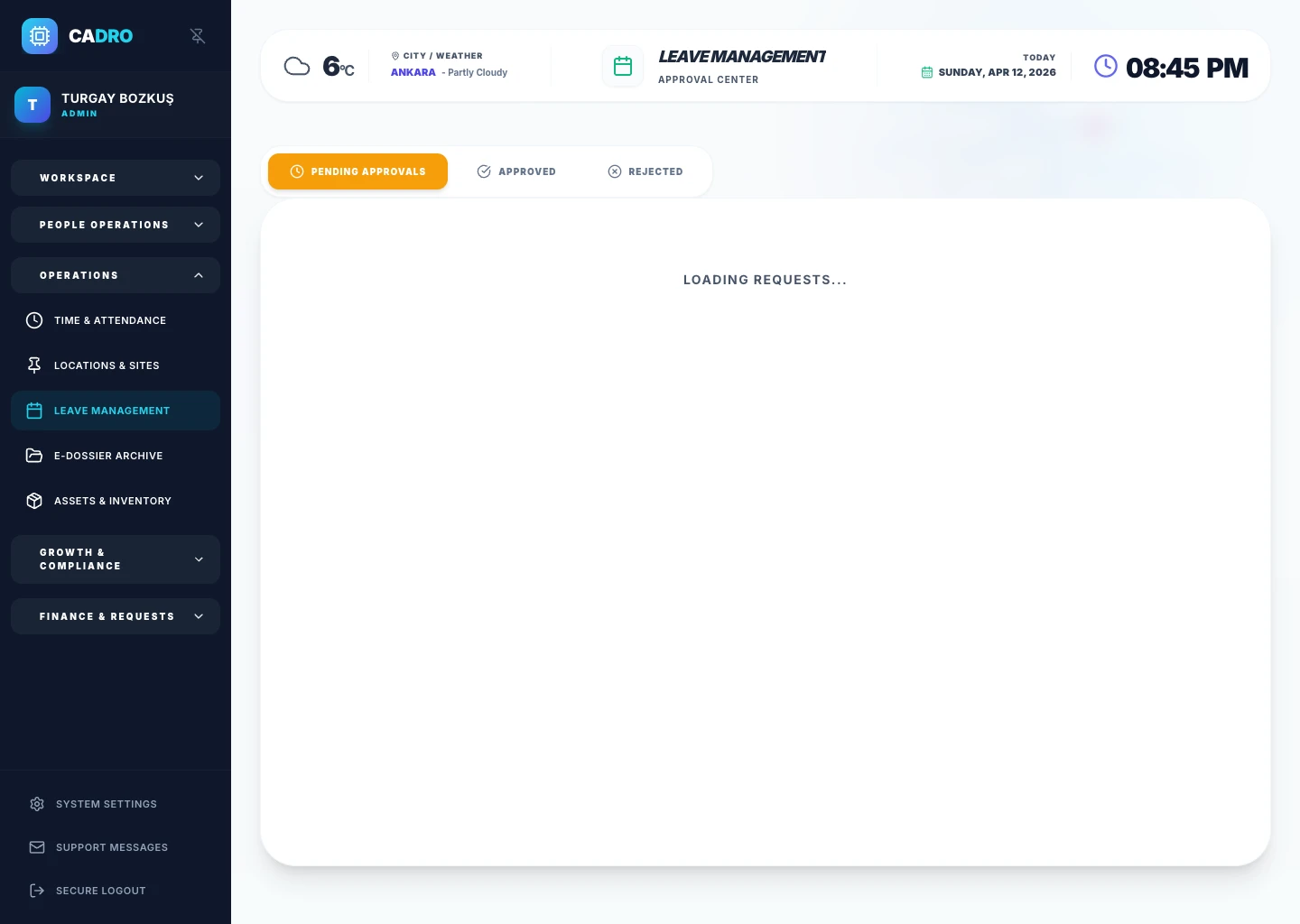
MODULE 8
Manage working hours, shift plans, and overtime calculations digitally. Includes sick leave and absence tracking.
Explore the Attendance Module →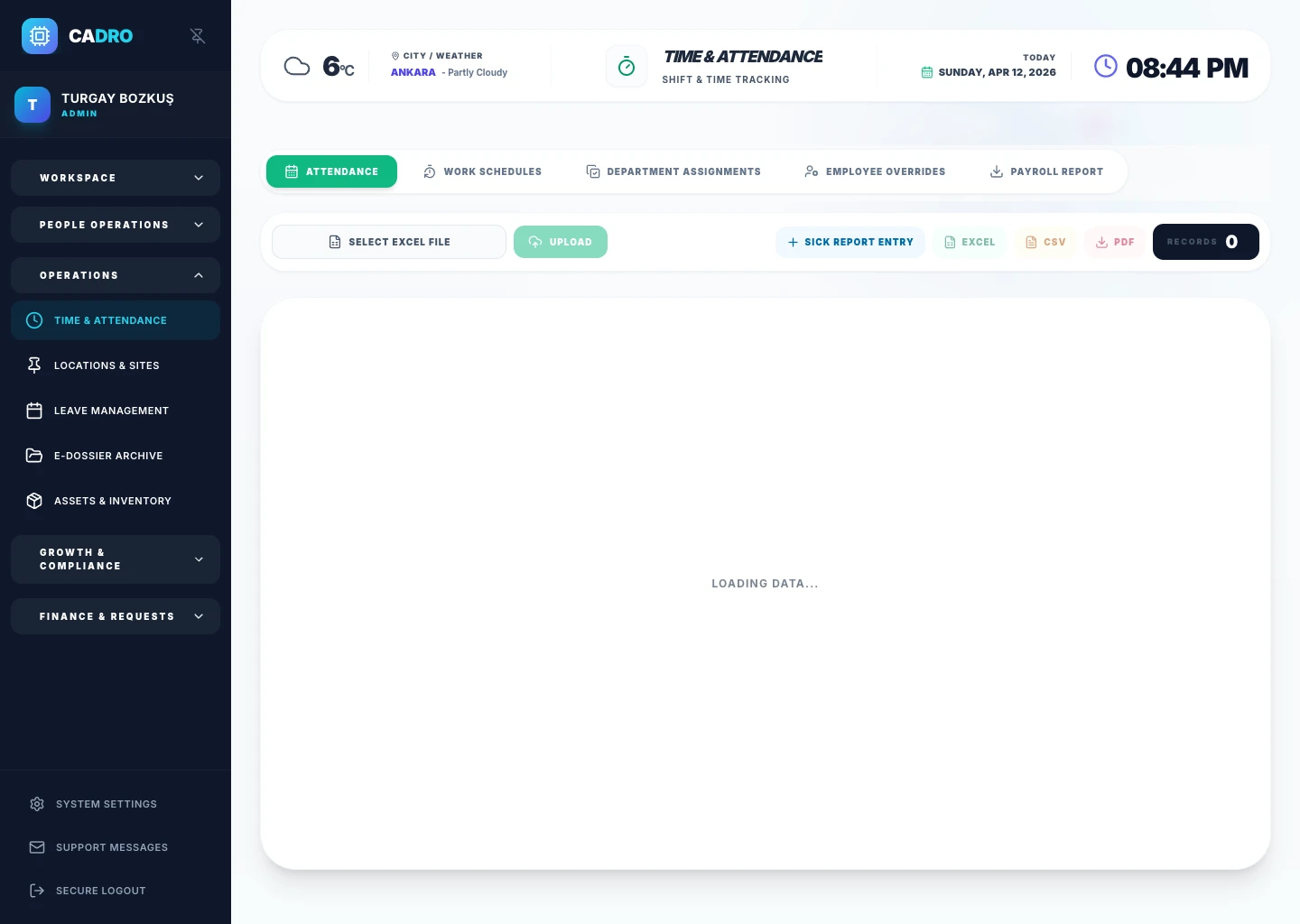
MODULE 9
Link company objectives with individual goals (OKR). Run continuous performance reviews with 360° feedback, competency assessments, and AI-powered insights.
Explore the Performance Module →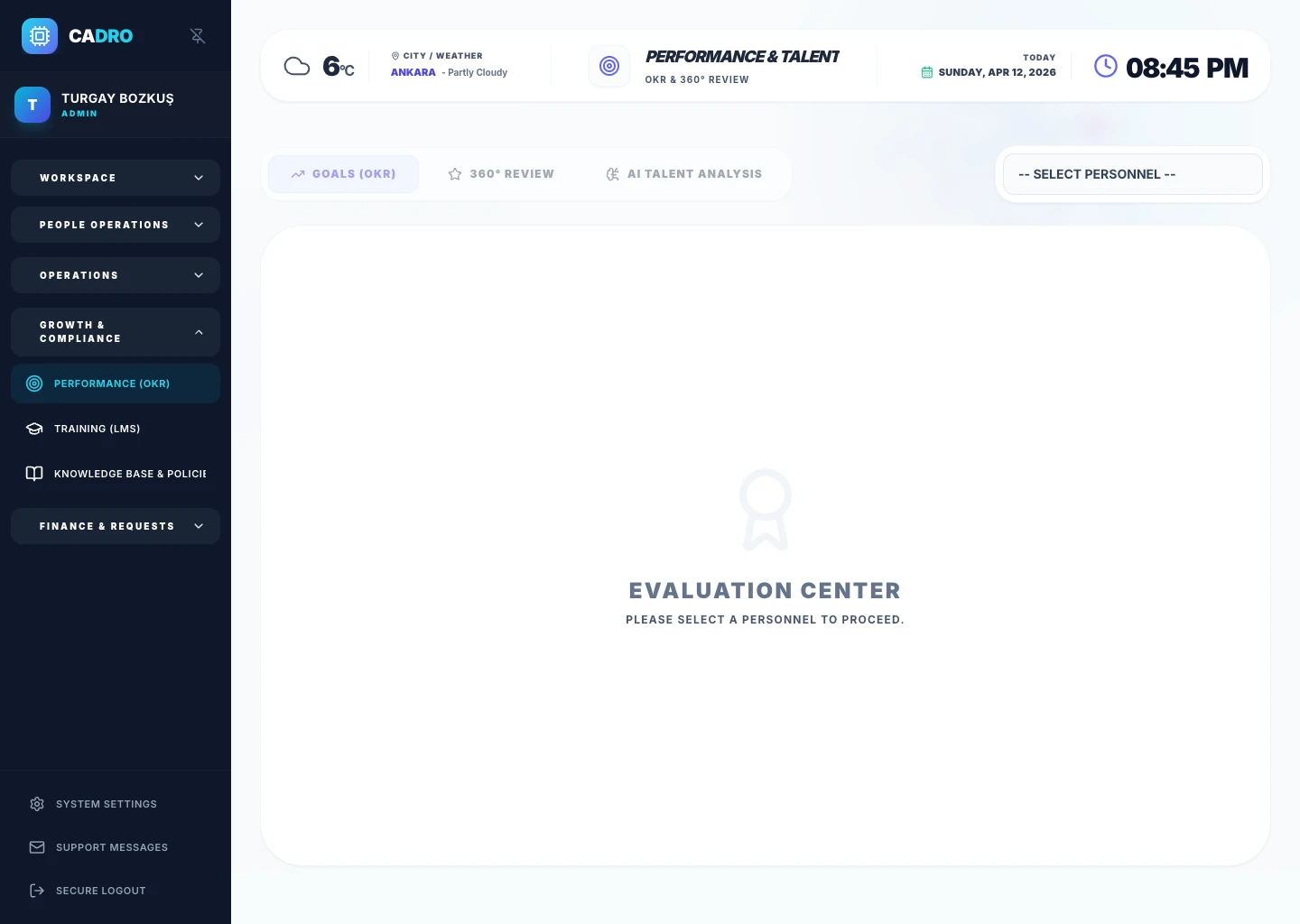
MODULE 10
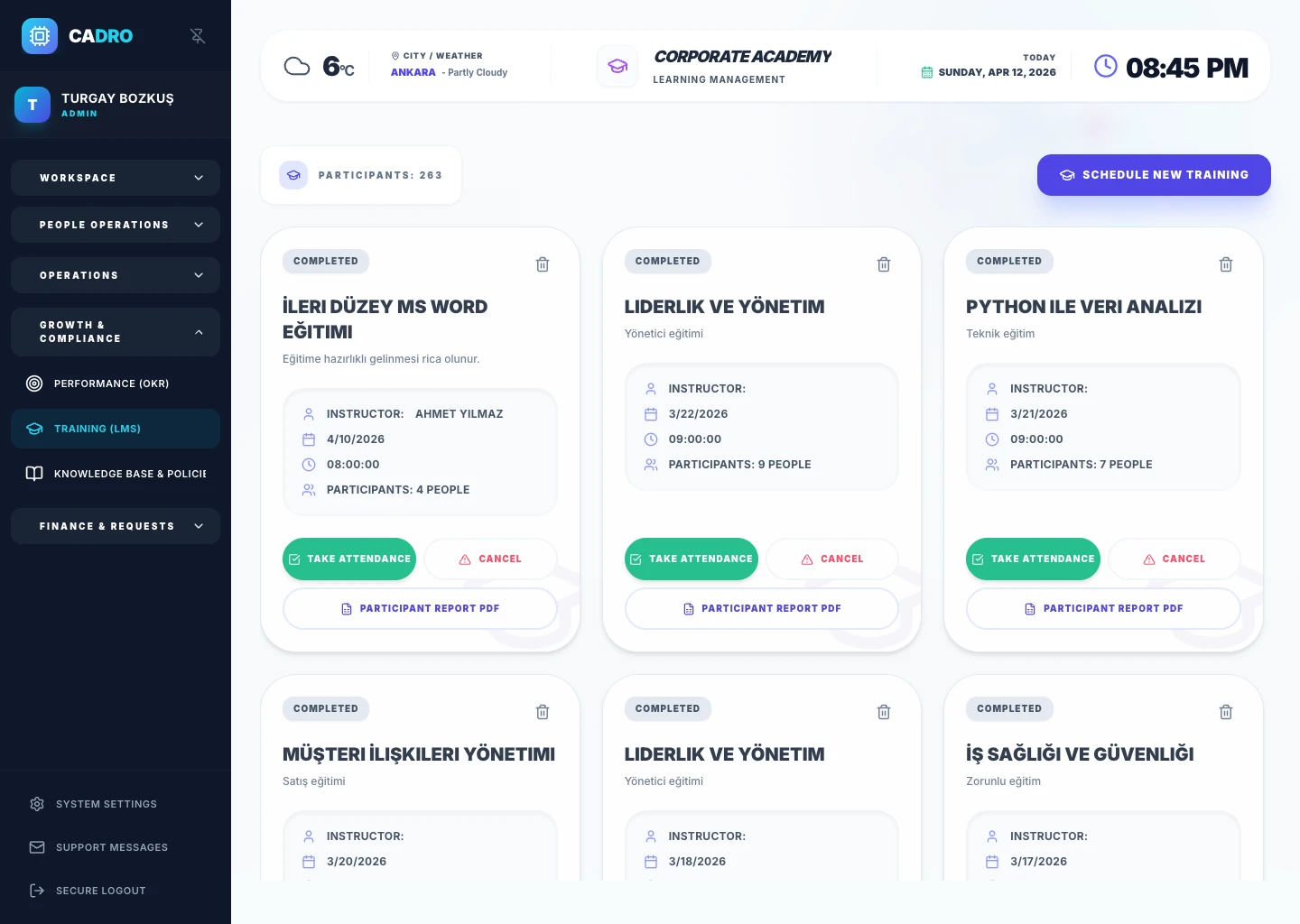
Plan and track employee development programs. Run training calendars, attendance tracking, and certificate management in one system.
MODULE 11
Publish company policies, procedures, and guides in a central knowledge base. Employees access the information they need instantly.
Explore the Knowledge Base Module →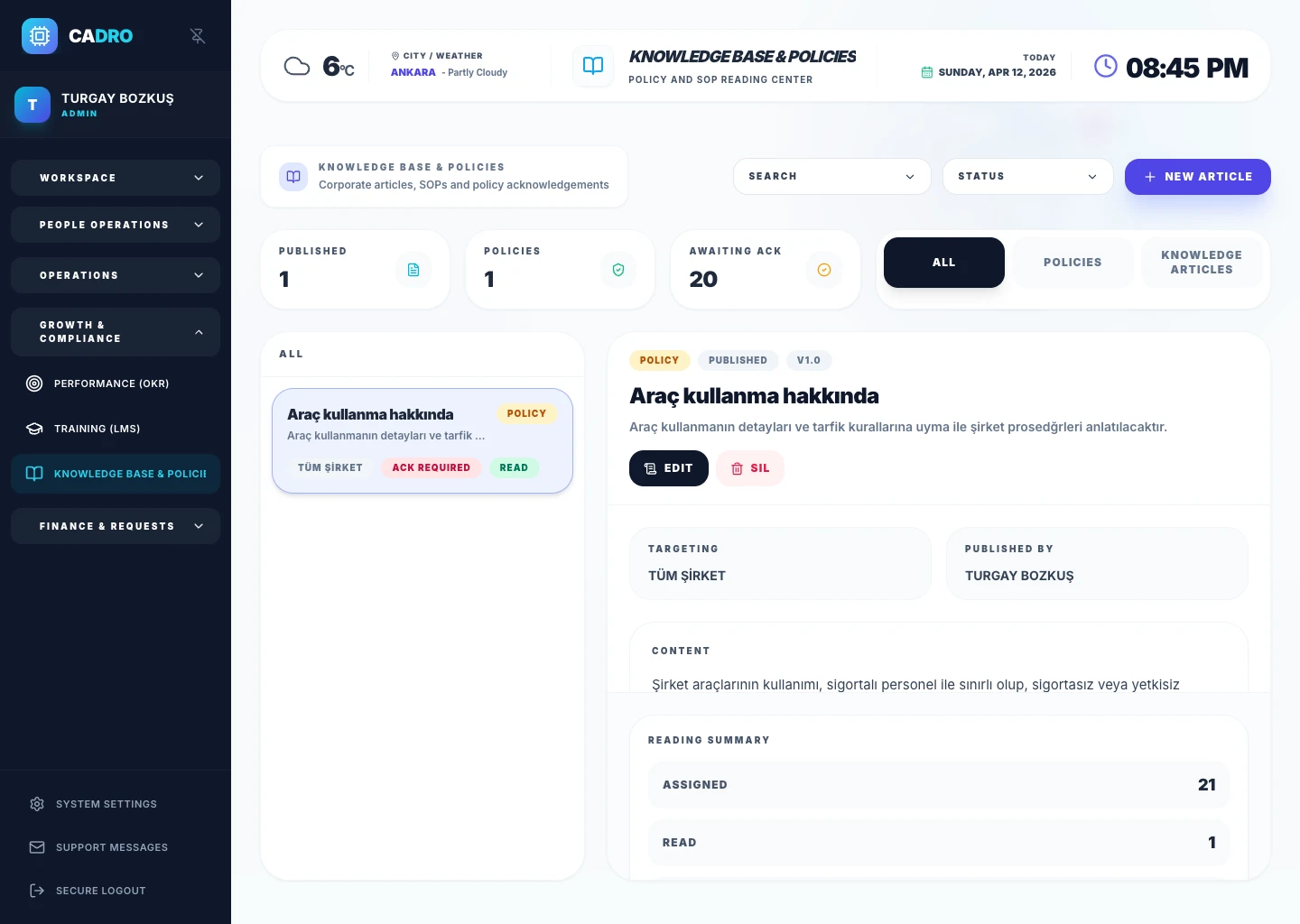
MODULE 12
Collect employee expense claims digitally and manage them through approval workflows. Report with receipt and invoice attachments.
Explore the Expense Module →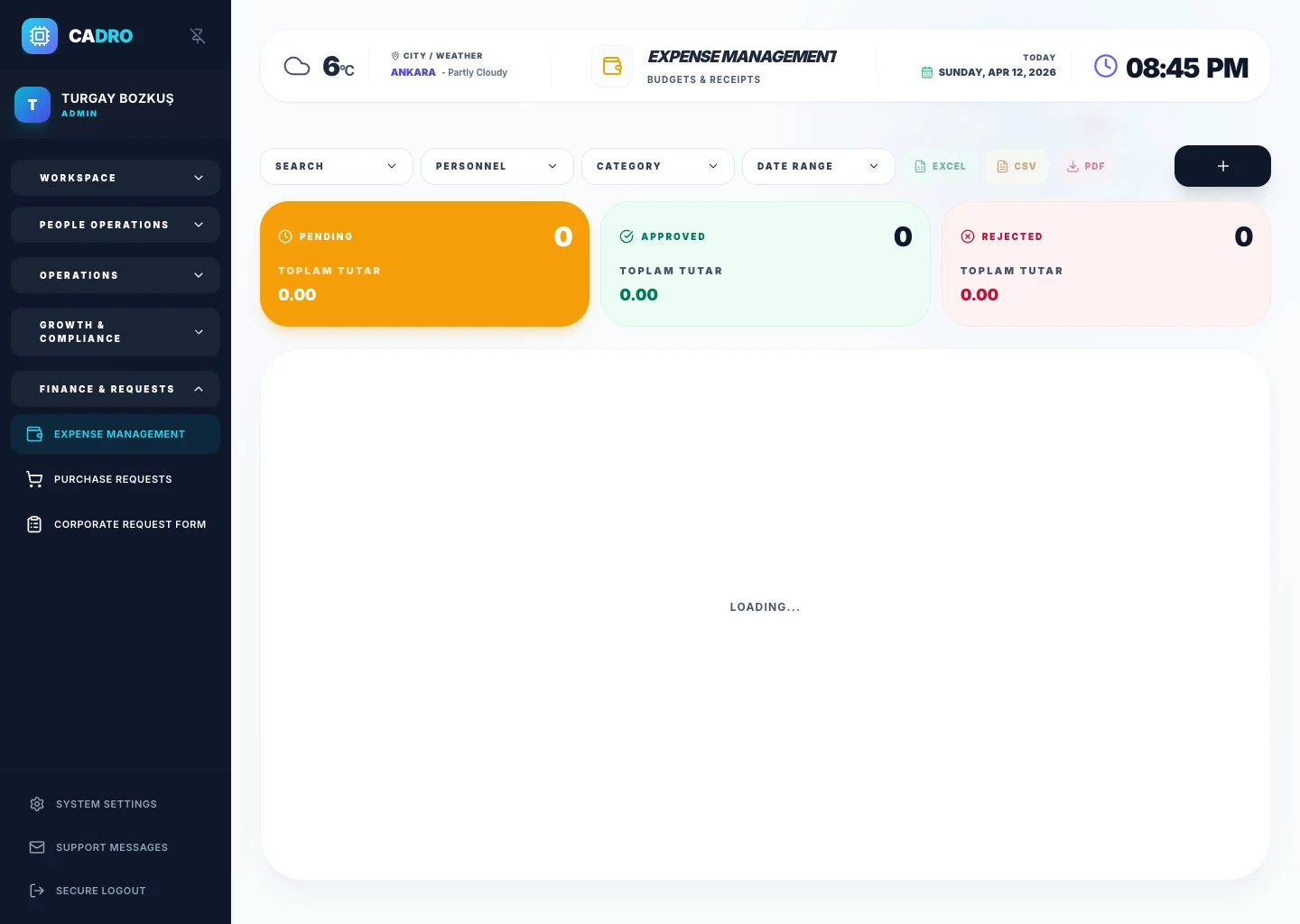
MODULE 13
Create department-level purchase requests, route them through approval chains, and manage procurement transparently.
Explore the Procurement Module →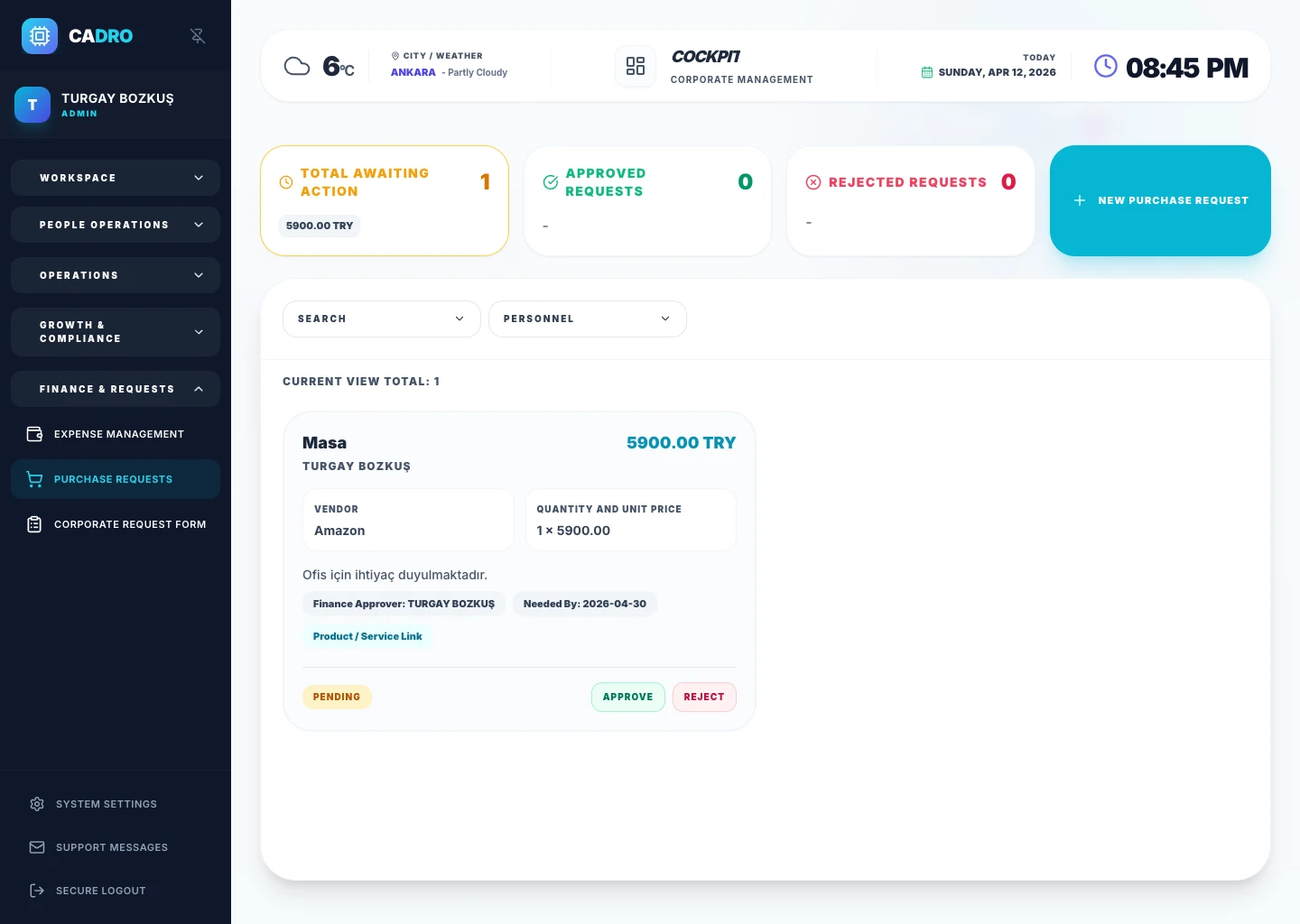
MODULE 14
Record devices, equipment, and assets assigned to employees. See assignment history, return tracking, and inventory status in real time.
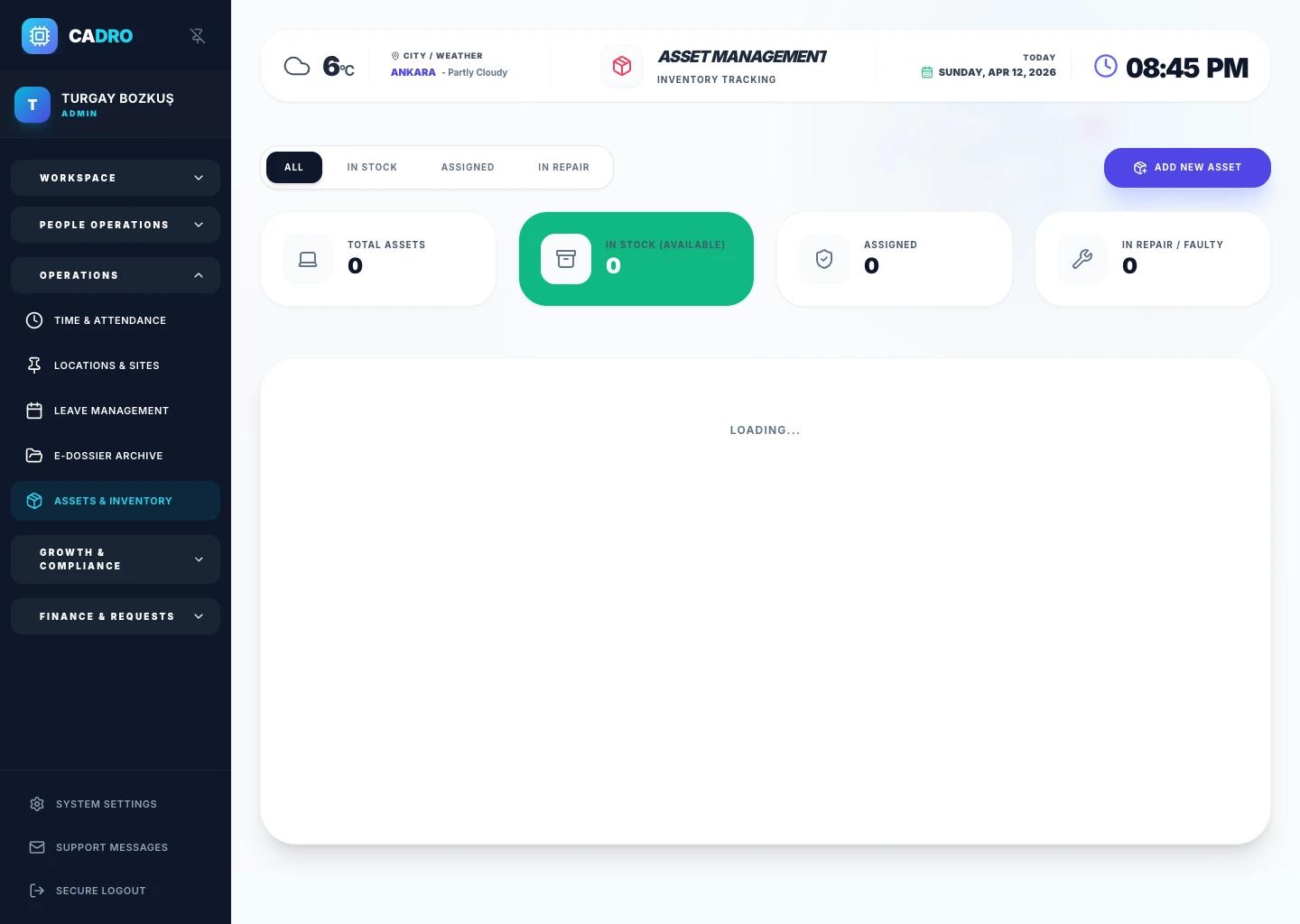
MODULE 15
Manage your multi-location structure centrally. Track employee distribution, capacity, and asset information across offices, branches, and sites.
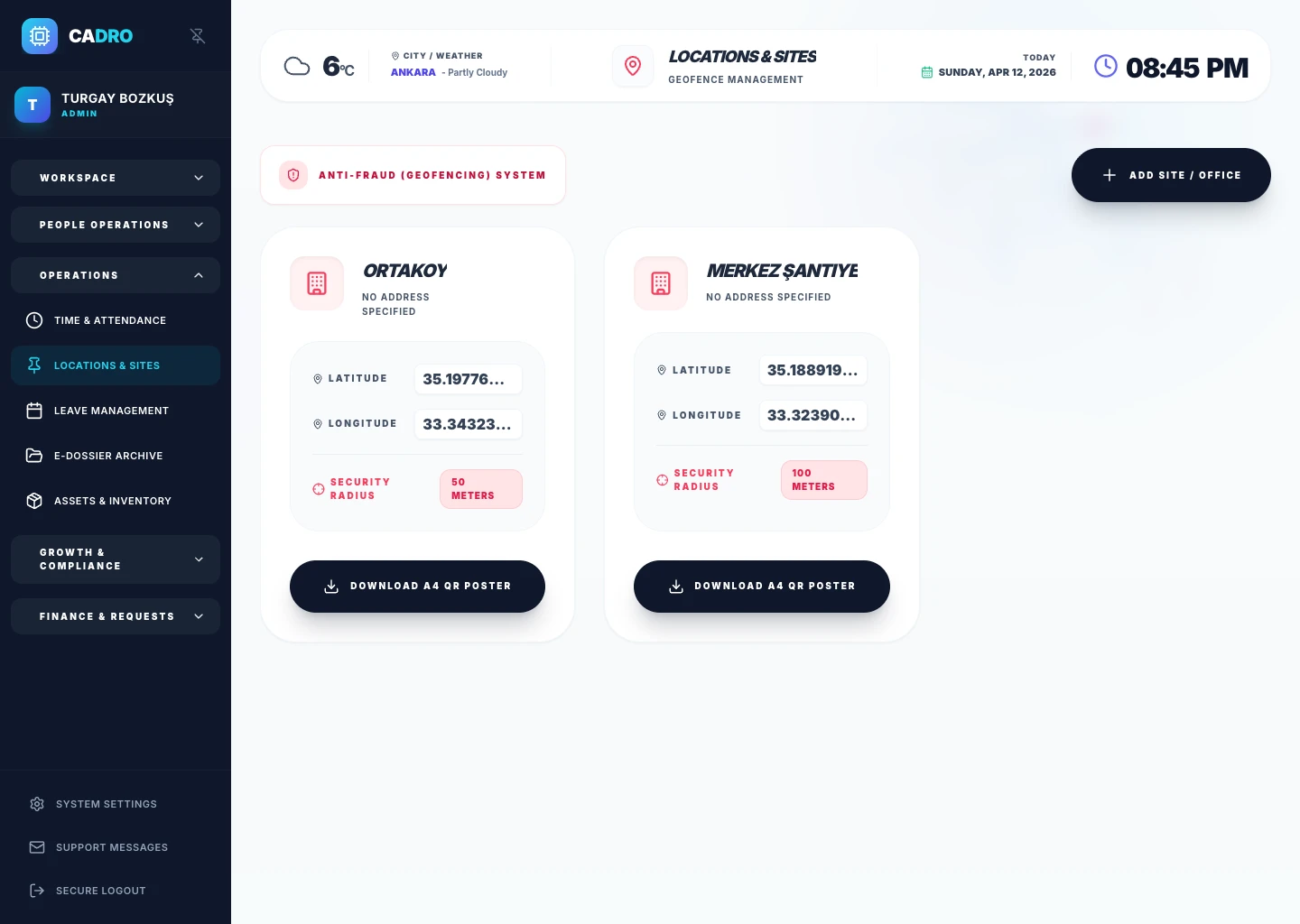
MODULE 16
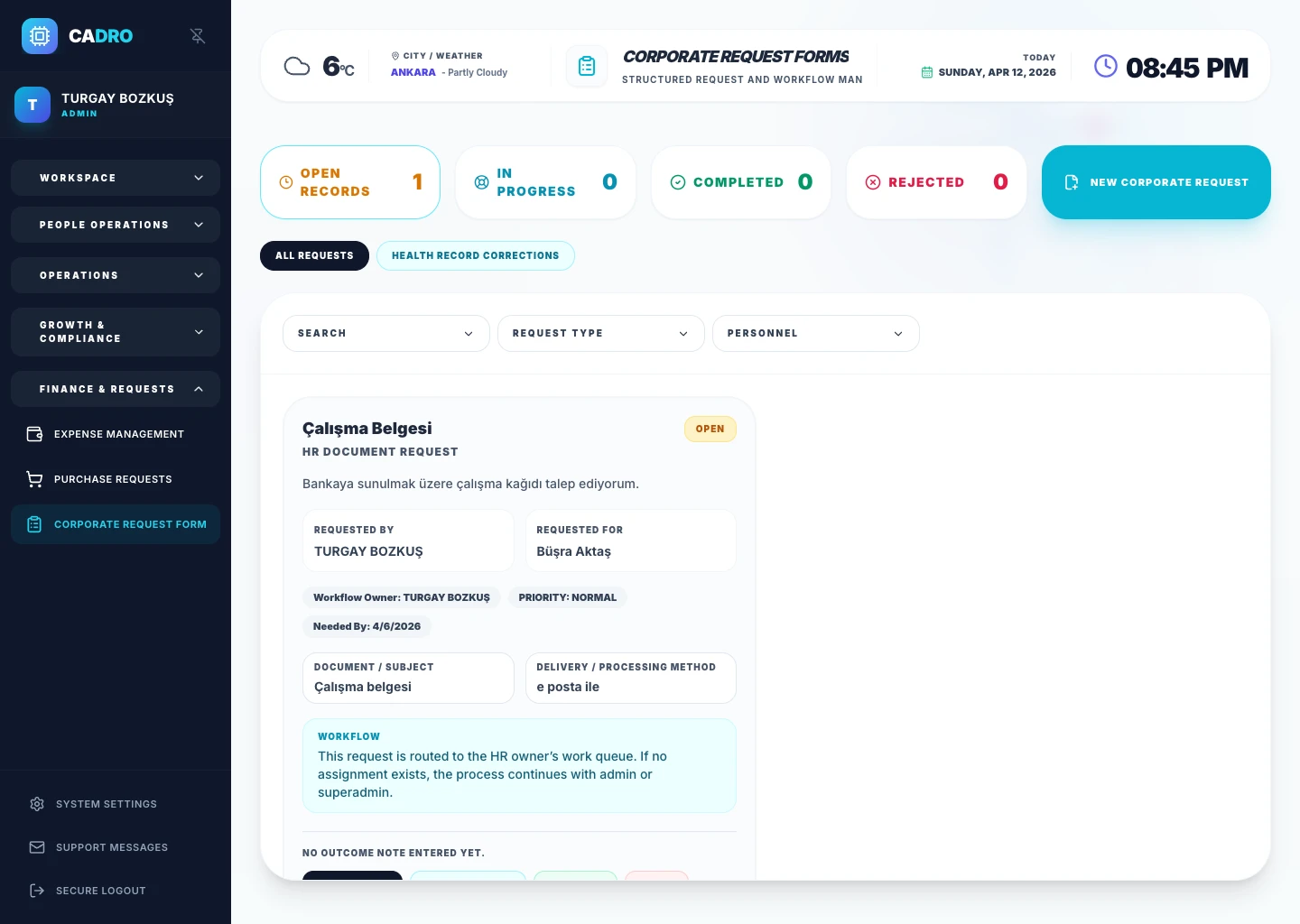
Standardize employee requests with customizable forms. Manage all non-leave requests (advances, documents, reference letters, etc.) through one channel.
MODULE 17
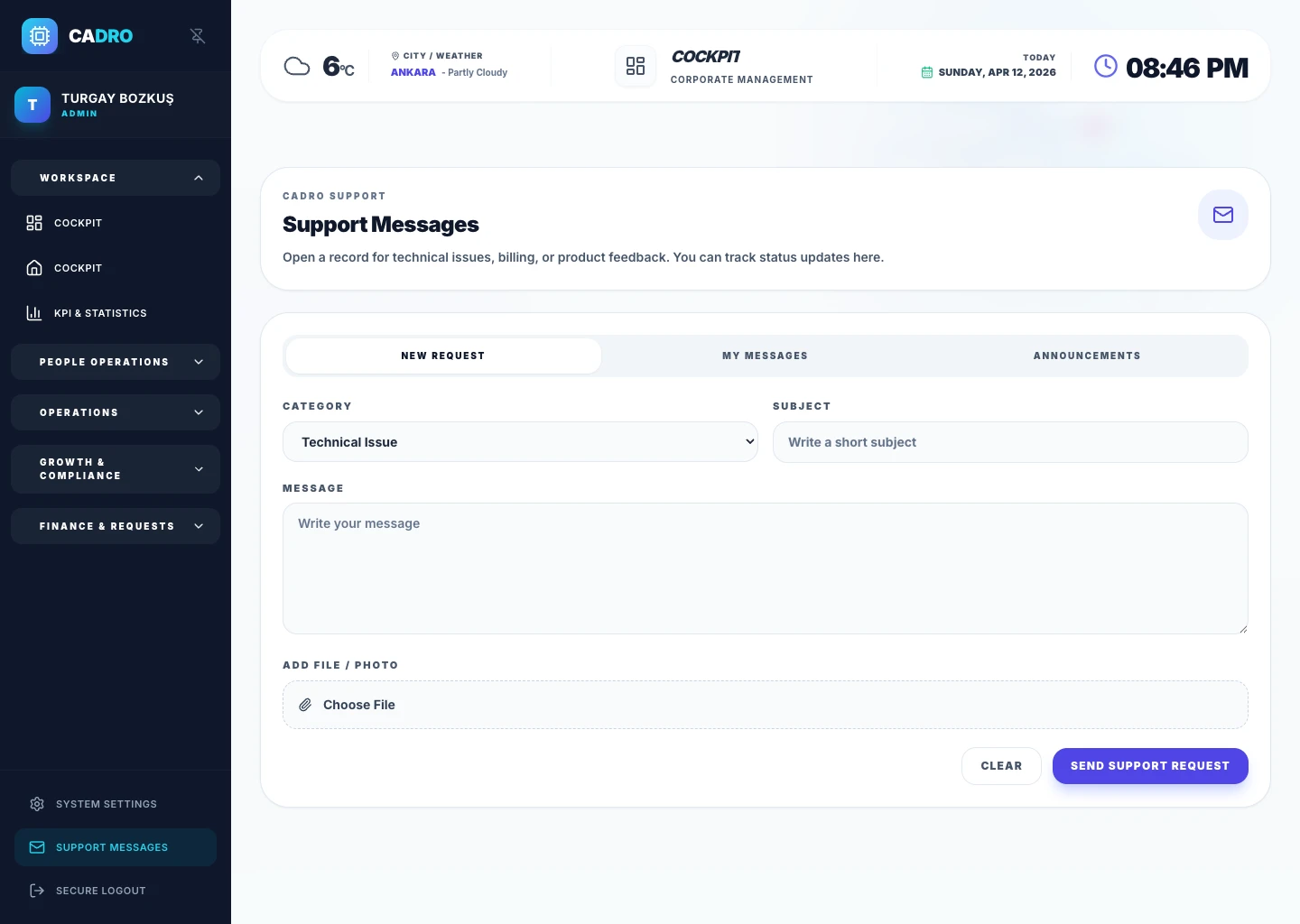
An internal support system where employees can send questions and requests to the HR team. Measure HR operations with ticket tracking, prioritization, and response times.
HR software is not only for large enterprises. It is also highly effective for growing teams, multi-location companies, operational organizations with field staff, and SMBs that want to standardize people processes.
Ideal for teams that want more structure in leave, dossier, and attendance management.
Helpful for companies that need scalable hiring, onboarding, and performance workflows.
Creates more value where shift planning, attendance, and document control must be managed centrally.
Excel can store lists, but it cannot naturally connect leave, attendance, documents, hiring, and performance into one workflow. HR software connects data and process in the same operating model.
Stores rows and columns, but does not manage workflows, permissions, or approvals by design.
Connects data with process so leave, attendance, documents, and hiring move together.
Provides a stronger foundation for reporting, visibility, and cross-team coordination.
Not every platform is built the same way. When evaluating options, review module depth, usability, compliance, security, reporting, and internal workflow strength together.
How well do ATS, dossier, leave, attendance, performance, and request flows work in the same product?
Topics like KVKK alignment, role-based access, and audit trail visibility should be clearly defined.
The experience should be practical not only for HR, but also for managers and employees.
They are often used similarly, but a full HR platform also covers hiring, leave, attendance, performance, and document workflows.
Module scope, company size, reporting needs, and support level are the main pricing drivers.
Document control, leave records, role-based access, and audit trails all support stronger operational discipline and compliance readiness.